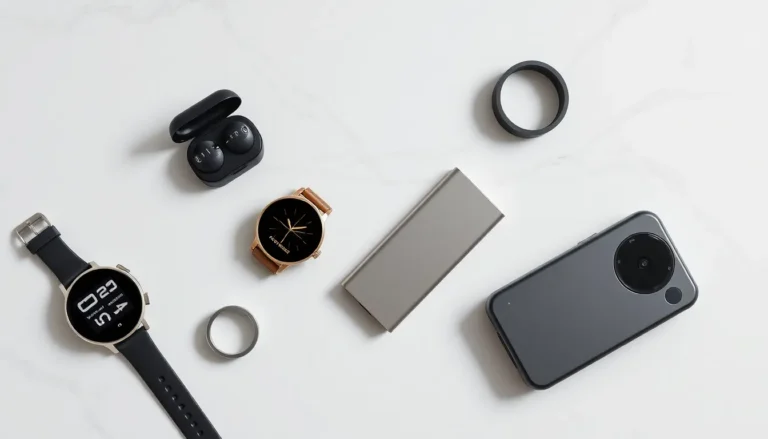
Gadgets for beginners don’t need to be intimidating. The tech world offers plenty of user-friendly devices that make daily life easier, more entertaining, and more connected. Whether someone wants their first smartphone, a smart speaker, or a fitness tracker, the right gadget can open doors without causing frustration.
This guide breaks down what makes certain gadgets beginner-friendly, which devices deserve attention first, and how to avoid common pitfalls. By the end, anyone new to tech will feel confident picking their first few gadgets without overspending or overcomplicating things.
Table of Contents
ToggleKey Takeaways
- Gadgets for beginners should feature simple setup, intuitive interfaces, reliable customer support, and affordable pricing.
- Start with essential devices like smartphones, tablets, or smart speakers that offer practical benefits and easy learning curves.
- Stick to one ecosystem (Apple, Google, or Amazon) to ensure seamless compatibility between your devices.
- Read real user reviews before purchasing to uncover common issues manufacturers won’t mention.
- Introduce new gadgets gradually—buying too much at once leads to setup chaos and compatibility problems.
- Always enable automatic software updates to keep your gadgets secure and performing optimally.
What Makes a Gadget Beginner-Friendly
Not every gadget works well for newcomers. Some devices require technical knowledge, constant updates, or compatibility with other products. Gadgets for beginners share a few key traits that make them easier to adopt.
Simple Setup Process
The best beginner gadgets turn on and work within minutes. They don’t require downloading multiple apps, creating several accounts, or reading a 50-page manual. A good example is the Amazon Echo Dot, users plug it in, connect to Wi-Fi, and start talking. That’s it.
Intuitive Interface
Beginner-friendly gadgets use clear menus, recognizable icons, and logical button placement. Touchscreens should respond smoothly. Voice commands should actually work. If a user spends twenty minutes figuring out how to change the volume, that gadget fails the beginner test.
Reliable Customer Support
New tech users will have questions. Gadgets from established brands like Apple, Samsung, and Google come with accessible support options, live chat, phone lines, and in-store help. Cheaper off-brand devices often lack this safety net.
Affordability
Beginners shouldn’t invest hundreds of dollars into something they might not use. Entry-level gadgets let people test the waters without financial stress. Once comfort grows, they can upgrade to more advanced options.
Essential Gadgets Every Beginner Should Consider
Certain gadgets for beginners stand out as excellent starting points. These devices offer practical benefits, easy learning curves, and wide compatibility with other tech.
Smartphones and Tablets
A smartphone is often the first gadget someone owns. Modern smartphones handle calls, texts, emails, photos, videos, music, navigation, and thousands of apps. For beginners, the iPhone SE offers Apple’s quality at a lower price point. Android users might prefer the Google Pixel 7a or Samsung Galaxy A54, both provide excellent features without overwhelming complexity.
Tablets work well for people who want larger screens for reading, streaming, or video calls. The iPad (10th generation) remains a top choice for beginners. It’s fast, supports the Apple Pencil, and runs the same apps as an iPhone. Budget-conscious buyers can look at the Amazon Fire HD 10, which costs under $150 and handles basic tasks well.
Smart Home Devices
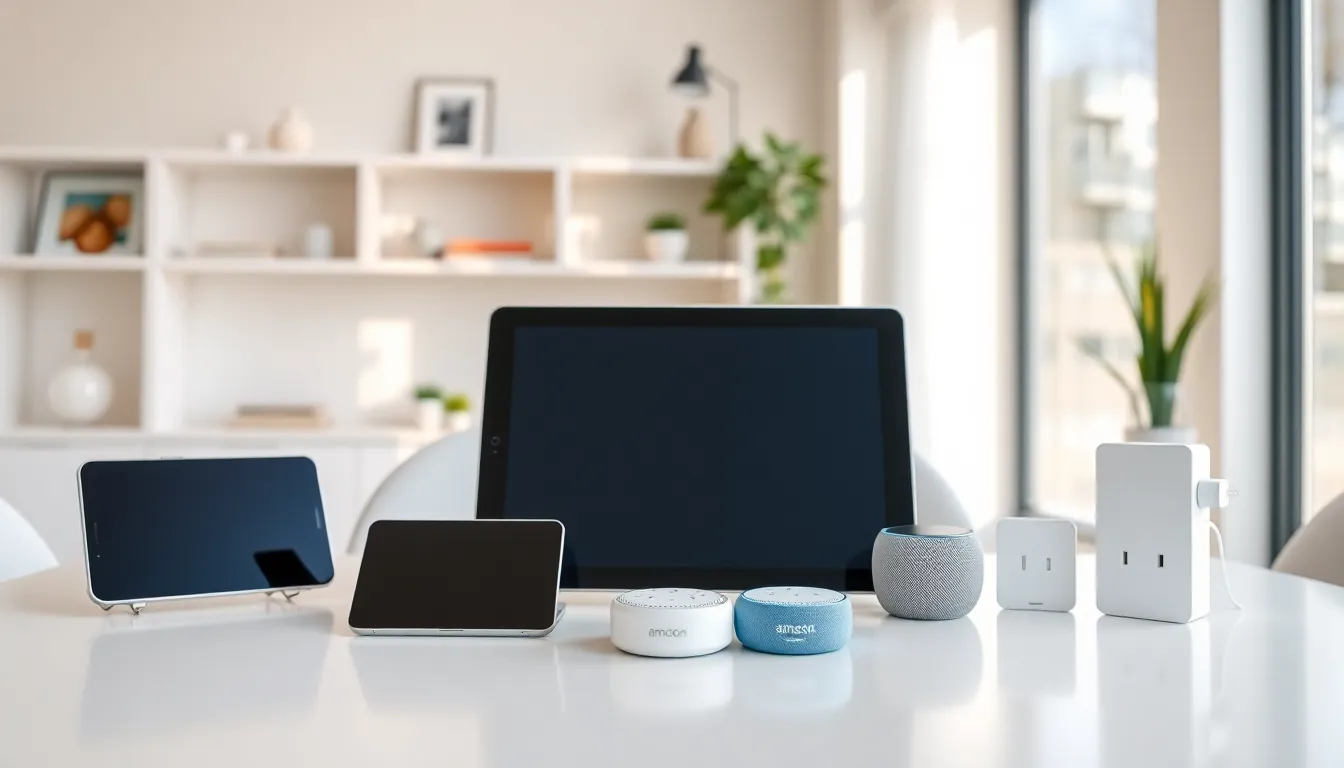
Smart home gadgets for beginners make homes more convenient without requiring an engineering degree. Smart speakers like the Amazon Echo or Google Nest Mini respond to voice commands. Users can ask for weather updates, set timers, play music, or control other connected devices.
Smart plugs represent another easy entry point. These small devices plug into regular outlets and connect to Wi-Fi. Users can then control lamps, fans, or coffee makers from their phone or with voice commands. The TP-Link Kasa Smart Plug costs around $15 and works with most smart home systems.
Smart light bulbs add ambiance and convenience. Philips Hue and Wyze both offer bulbs that dim, change colors, and respond to schedules, all controlled through a simple app.
Tips for Choosing Your First Gadgets
Picking gadgets for beginners requires some thought. A few smart decisions early on prevent headaches later.
Identify Actual Needs
What problem should this gadget solve? Someone who wants to stay connected with family needs a smartphone or tablet. Someone who forgets to turn off lights might benefit from smart plugs. Buying gadgets without clear purposes leads to unused tech collecting dust.
Read User Reviews
Manufacturer descriptions paint rosy pictures. Real user reviews reveal the truth. Look for patterns in complaints. If multiple reviewers mention poor battery life or confusing setup, believe them. Amazon, Best Buy, and Reddit all offer honest feedback from actual users.
Start With One Ecosystem
Apple, Google, and Amazon each have their own ecosystem of products. Devices within the same ecosystem work together seamlessly. Mixing ecosystems creates compatibility issues. Beginners should pick one platform and build from there. Someone with an iPhone will find Apple Watch and AirPods integrate perfectly. An Android user might prefer Google’s Pixel Watch and Pixel Buds.
Set a Budget
Gadgets range from $20 to $2,000. Beginners should set spending limits before shopping. Entry-level versions of most gadgets cost significantly less than flagship models while still delivering solid performance. The money saved can go toward accessories or the next gadget.
Common Mistakes Beginners Should Avoid
New tech users often make predictable errors. Knowing these pitfalls helps people sidestep frustration.
Buying Too Much at Once
Excitement leads to overspending. Someone who just discovered smart home tech might buy fifteen different gadgets the same week. This creates setup chaos and often results in incompatible devices. Gadgets for beginners work best when introduced gradually, one or two at a time.
Ignoring Compatibility
That cheap smart bulb might not work with Alexa. That fitness tracker might not sync with an iPhone. Always check compatibility before purchasing. Product descriptions and support pages list compatible devices and operating systems.
Skipping Software Updates
Gadgets need updates. These updates fix bugs, patch security holes, and add features. Beginners sometimes ignore update notifications or turn off automatic updates. This leaves devices vulnerable and causes performance issues over time. Enable automatic updates whenever possible.
Forgetting About Accessories
Some gadgets need accessories to function properly. A tablet might need a case and screen protector. Wireless earbuds might need replacement tips. Smart displays might need wall mounts. Factor accessory costs into the total budget.
Not Learning Basic Features
Many beginners use only 10% of what their gadgets can do. Spending fifteen minutes exploring settings and watching a YouTube tutorial unlocks hidden value. That smartphone can probably do things its owner never imagined, if they take time to learn.