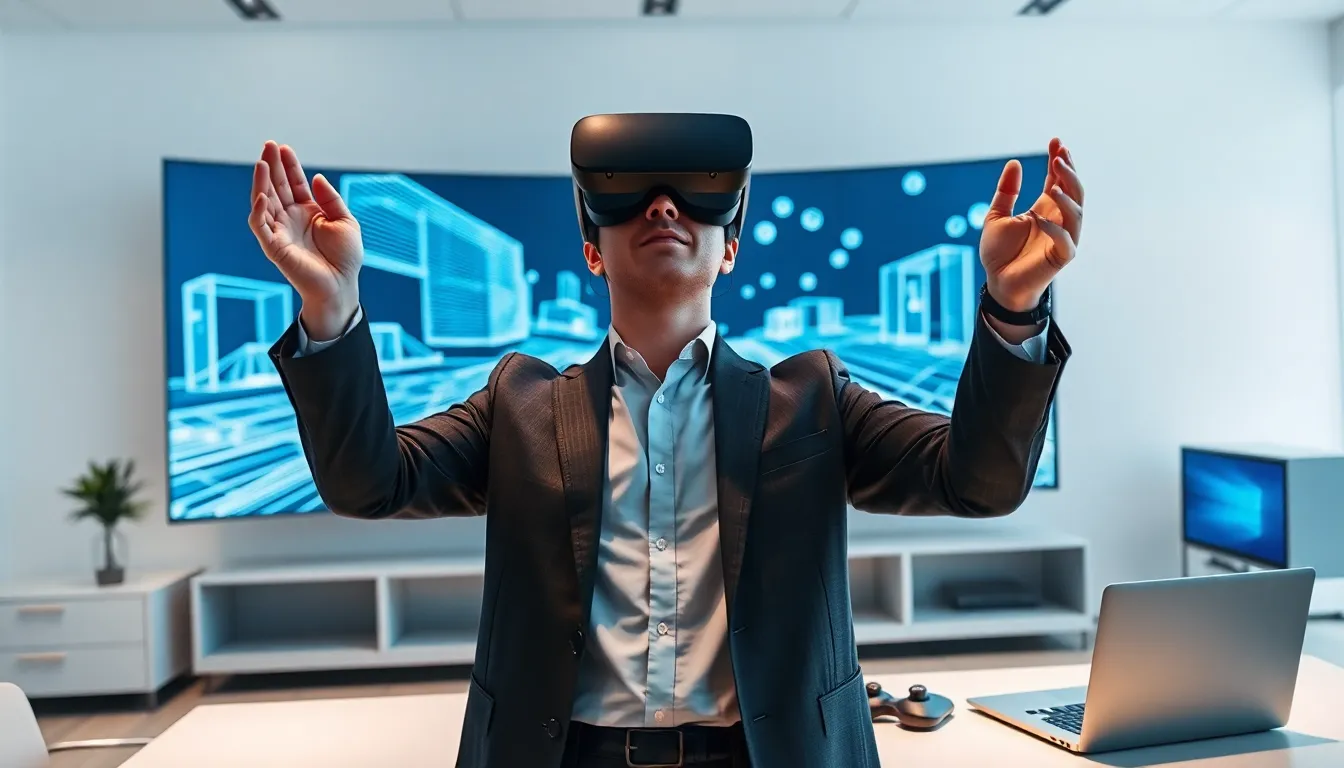
Virtual reality (VR) creates computer-generated environments that users can explore and interact with. This technology places people inside digital worlds that feel surprisingly real. VR headsets block out the physical world and replace it with 3D simulations. Users can look around, move objects, and experience situations impossible in everyday life.
The virtual reality market reached $28 billion in 2024 and continues to grow rapidly. Gaming drove early adoption, but healthcare, education, and business now use VR daily. Understanding what virtual reality is helps anyone evaluate its potential for work, learning, or entertainment. This guide explains how VR works, its different types, current applications, and honest pros and cons.
Table of Contents
ToggleKey Takeaways
- Virtual reality creates immersive computer-generated environments using headsets that track head and hand movements in real time.
- The VR market reached $28 billion in 2024, expanding beyond gaming into healthcare, education, real estate, and corporate training.
- Three types of virtual reality exist: fully immersive (complete digital environments), semi-immersive (mixed physical and digital), and non-immersive (3D on standard screens).
- VR training improves learning retention by up to 75% compared to traditional methods and allows safe practice in high-risk scenarios.
- Current limitations include motion sickness affecting 25-40% of users, hardware costs of $300-$1,500, and the need for dedicated physical space.
- Understanding what virtual reality is helps individuals and businesses evaluate its potential for entertainment, education, or professional applications.
How Virtual Reality Works
Virtual reality works by tricking human senses into believing a digital environment is real. A VR headset contains two small screens, one for each eye. These screens display slightly different images that create depth perception, just like natural human vision.
Motion sensors inside the headset track head movements. When a user looks left, the virtual world shifts accordingly. This happens in milliseconds, making the experience feel seamless. More advanced virtual reality systems also track hand movements through controllers or gloves.
Three core components power every VR system:
- Display technology: High-resolution screens deliver sharp visuals. Modern headsets offer 4K resolution or higher per eye.
- Tracking systems: Sensors detect position and orientation. Some setups use external cameras, while others rely on inside-out tracking built into the headset.
- Audio processing: Spatial sound changes based on head position. Sounds behind a user actually come from behind, increasing immersion.
Virtual reality requires significant computing power. Standalone headsets like the Meta Quest series contain built-in processors. PC-based systems like the Valve Index connect to powerful computers that handle graphics rendering. Both approaches deliver immersive experiences, though tethered setups generally offer higher visual quality.
The refresh rate matters too. VR displays typically run at 90Hz or 120Hz, much faster than standard monitors. This speed reduces motion sickness and makes movements appear smooth.
Types of Virtual Reality Experiences
Virtual reality comes in several forms, each offering different levels of immersion and interactivity.
Fully Immersive VR
Fully immersive virtual reality provides the most complete experience. Users wear headsets that block all outside visuals. Hand controllers or haptic gloves let them grab, push, and manipulate virtual objects. High-end gaming systems and professional training simulators use this approach.
Semi-Immersive VR
Semi-immersive VR combines physical and digital elements. Flight simulators represent a common example. Users sit in actual cockpits while screens display virtual scenery. This type works well when real physical controls enhance the experience.
Non-Immersive VR
Non-immersive virtual reality displays 3D environments on standard screens. Video games with first-person perspectives fall into this category. Users interact through keyboards, mice, or game controllers rather than specialized VR hardware. Google Earth’s explore mode demonstrates non-immersive VR accessible to anyone with a computer.
Augmented Reality vs. Virtual Reality
Augmented reality (AR) differs from virtual reality in one key way: AR overlays digital content onto the real world. Virtual reality replaces reality entirely. Pokémon GO uses AR, players see digital creatures through their phone cameras. VR would place those same players inside a fully digital Pokémon world.
Mixed reality (MR) blends both approaches. Devices like the Apple Vision Pro let users see their physical surroundings while adding virtual elements that interact with real objects.
Common Uses of Virtual Reality Today
Virtual reality has moved far beyond gaming, though entertainment remains its largest market.
Gaming and Entertainment
VR gaming generates billions in annual revenue. Titles like Beat Saber, Half-Life: Alyx, and Resident Evil 4 VR showcase what’s possible. Players physically dodge, swing, and explore rather than pressing buttons. Virtual reality also powers immersive concerts, museum tours, and social platforms like VRChat.
Healthcare Applications
Surgeons practice complex procedures in virtual reality before operating on patients. Medical students explore 3D anatomical models impossible to replicate with textbooks. VR therapy helps patients overcome phobias, manage chronic pain, and recover from PTSD. One Stanford study found VR pain management reduced discomfort by 24% compared to traditional methods.
Education and Training
Virtual reality transforms how people learn dangerous skills safely. Firefighters train in simulated burning buildings. Pilots log hours in VR before entering real cockpits. Walmart trained over one million employees using VR modules covering customer service and emergency response.
Real Estate and Architecture
Buyers tour homes across the country without traveling. Architects walk clients through buildings that don’t exist yet. Virtual reality helps people make major decisions with confidence. Matterport reports that listings with VR tours sell 31% faster than those without.
Corporate Training and Collaboration
Remote teams meet in virtual offices where they can whiteboard ideas, review 3D product models, and build relationships even though physical distance. Companies like Accenture have purchased thousands of VR headsets for employee onboarding and skills development.
Benefits and Limitations of VR Technology
Virtual reality offers genuine advantages, but current technology has clear drawbacks worth understanding.
Key Benefits
Safe practice environments: VR lets people fail without consequences. A trainee surgeon can make mistakes that would be fatal in real life. A nervous public speaker can practice before virtual audiences.
Impossible experiences: Users can visit Mars, shrink to the size of a cell, or stand on Mount Everest. Virtual reality removes physical limitations.
Enhanced learning retention: Studies show VR training improves information retention by up to 75% compared to traditional lectures. Active participation beats passive observation.
Accessibility: People with mobility issues can explore places they couldn’t physically visit. VR provides experiences otherwise unavailable.
Current Limitations
Motion sickness: Many users experience nausea during VR sessions, especially with artificial movement. Approximately 25-40% of people report some discomfort.
Hardware costs: Quality virtual reality systems cost between $300 and $1,500. Adding a capable PC raises that figure further. Prices continue dropping but remain significant.
Physical space requirements: Room-scale VR needs clear floor space. Not everyone has a spare room for swinging arms and walking around.
Content isolation: VR is inherently solitary. While multiplayer experiences exist, wearing a headset cuts users off from people in the same physical room.
Eye strain and fatigue: Extended VR sessions tire eyes and bodies. Most experts recommend breaks every 30 minutes.